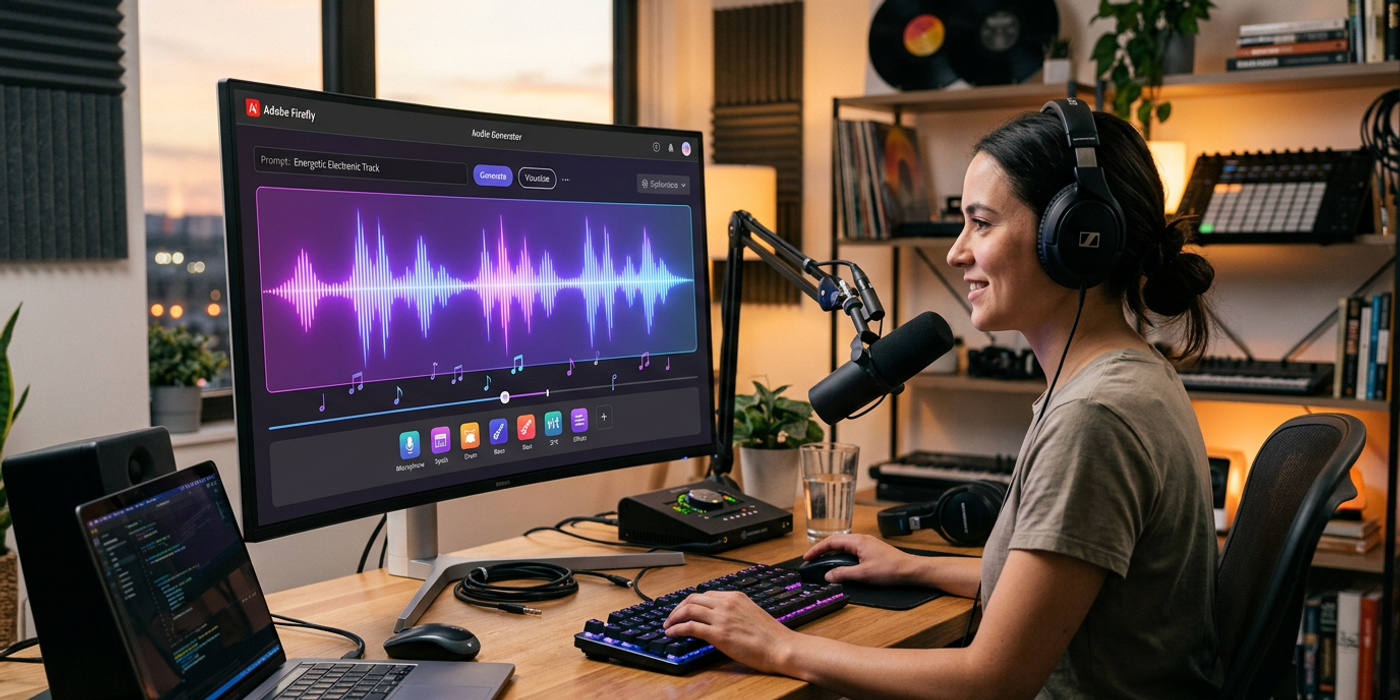
Adobe Firefly launches three new AI audio tools — Generate Music, Generate Speech, and Generate Sound Effects — all cleared for commercial use.
Adobe has expanded its Firefly platform into audio production, launching three AI-powered tools for music, voiceovers, and sound effects. Generate Music, Generate Speech, and Generate Sound Effects are now broadly available — all cleared for commercial use.
For Hong Kong creators producing video content, this is significant. Instead of licensing background tracks, hiring voiceover artists, or sourcing sound effects separately, you can generate everything inside Adobe's ecosystem and use the output in any video editor.
Generate Music: Royalty-Free Tracks on Demand
Generate Music creates royalty-free music tracks tailored to your project. Describe the mood, tempo, and genre — cinematic, lo-fi, upbeat corporate — and the model outputs a full-length track. Output is cleared for commercial use, removing the legal headache of music licensing for agencies and brands.
For Hong Kong agencies producing multiple campaigns per month, this reduces time spent on music selection. Instead of digging through stock libraries for the right track, you generate one that fits your brief.
Generate Speech: Script-to-Voiceover
Generate Speech turns scripts into natural-sounding voiceovers. AI voice generation isn't new, but Adobe's version integrates directly into Firefly and Premiere Pro. Instead of generating in a separate tool and importing, you can generate and adjust within the same environment. For agencies producing explainer videos and social media ads at scale, this workflow integration matters.
Generate Sound Effects: Scene-Level Audio Design
Generate Sound Effects produces audio for individual scenes — footsteps, ambient city noise, crowd sounds. Sound design is often outsourced or sourced from expensive libraries. Having on-demand effects that match your specific scene speeds up post-production noticeably.
For Hong Kong content creators, this means less time searching libraries and more time editing.
What This Means for Cooly Studio Users
Cooly Studio already offers AI voice generation for Cantonese and bilingual English-Chinese voiceovers. Adobe's audio tools complement this by adding music and sound effects to the audio pipeline.
If you're using Cooly Studio to generate video with Veo 3.1 or Kling 3.0, adding sound design via Adobe Firefly gives you a complete production workflow: generate visuals in Cooly, add audio in Firefly, and assemble in your editor of choice.
For Hong Kong agencies producing branded content, this combination creates a fully AI-assisted pipeline from concept to final export — all without traditional production bottlenecks.
Frequently Asked Questions
Q: Are Adobe Firefly audio tools free? A: The tools are included in Firefly subscriptions with daily generation limits. Commercial use is cleared for all three.
Q: Can I use them with Cooly Studio? A: Yes. Generate video content in Cooly Studio, create matching audio in Firefly, and combine in your video editor.
Q: What languages does Generate Speech support? A: Major global languages. For Cantonese and bilingual content, Cooly Studio's voice generator remains the best option.
Q: How does Generate Music compare to stock music? A: It creates original, royalty-free tracks tailored to your project — no licensing fees, no attribution required.
Q: Is this only for Adobe users? A: The tools require Adobe Firefly, but generated audio files work in any video editor including DaVinci Resolve, Final Cut Pro, and CapCut.