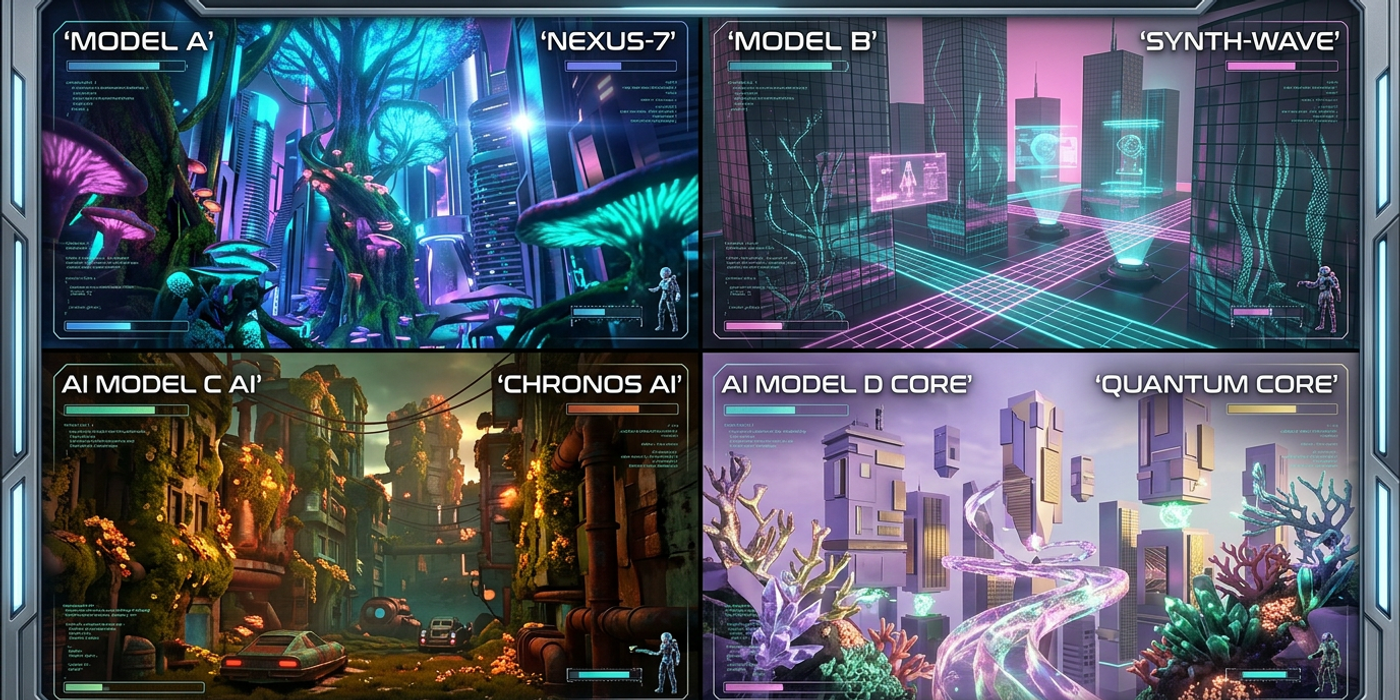
GPT-Image-2, FLUX Schnell, Nano Banana 2, and Seedream 4 break prompts differently. Here are 7 model-specific mistakes costing you quality and credits.
The biggest shift in AI image generation in late 2026 isn't which model is best — it's that every major model now speaks a fundamentally different prompt language.
GPT-Image-2 expects natural language paragraphs, complete with grammatical structure. FLUX Schnell needs tight, prioritised lists. Nano Banana 2 runs on keyword-first syntax with weighted repetition. Seedream 4 wants style anchored to a clear subject.
Most creators write one prompt and paste it everywhere, then wonder why results vary wildly across models. The truth is simpler: your prompt isn't bad — it's just written for the wrong model.
Here are 7 model-specific prompt mistakes destroying your output quality, and exactly how to fix each one.
1. Treating GPT-Image-2 Like a Keyword Engine
GPT-Image-2 is a natural language model. It understands full sentences and conceptual relationships between subjects, actions, and environments. But many creators still feed it keyword lists: "cinematic lighting, volumetric fog, shallow depth of field, 8K, masterpiece." This produces flat, incoherent images because the model interprets each keyword in isolation without the connective grammar it needs to understand spatial relationships.
The fix: Write complete descriptive sentences. "A foggy forest at dawn with volumetric light rays filtering through tall pine trees, captured with a 50mm lens at f/1.8, photorealistic" performs dramatically better than the keyword equivalent. GPT-Image-2 uses sentence structure to determine which elements are primary and which are supporting — take advantage of it.
2. Over-Specifying Parameters in FLUX Schnell
FLUX Schnell is optimised for speed — it trades prompt complexity for rapid iteration. When you overload it with 20 parameters ("a cat, orange tabby, sitting on a windowsill, afternoon sun, Venetian blinds, potted plant, ceramic mug, steam rising, shallow depth of field, warm palette, film grain"), it drops the lowest-weighted elements without warning. Those are often the ones that matter most.
The fix: Limit FLUX Schnell prompts to 3–5 core elements — subject, action, and primary lighting. Generate variations first to confirm composition, then switch to GPT-Image-2 or Seedream 4 for the polished render with full parameter sets. Use FLUX Schnell for what it's built for: speed.
3. Ignoring Nano Banana 2's Keyword Weighting System
Nano Banana 2 uses a unique architecture where position and repetition signal importance. Writing "a beautiful sunset over the ocean with vibrant colours and detailed clouds" distributes weight evenly across every noun, producing a muddy average instead of emphasising your primary subject.
The fix: Lead with your most important subject: "sunset ocean vibrant colours detailed clouds." Repeat keywords for emphasis: "sunset, ocean, vibrant colours, sunset glow, detailed clouds." Nano Banana 2 weights repeated terms higher — this is the complete opposite of GPT-Image-2's natural language, and it's the single most common mistake creators make when switching models in Cooly Studio.
4. Writing Style-Only Prompts for Seedream 4
Seedream 4 generates exceptional artistic styles, but prompting it with pure style descriptors — "cinematic, dramatic lighting, warm tones, film look" — produces generic compositions. Without a concrete subject, the model defaults to a random person in dramatic lighting with no narrative intent.
The fix: Always pair style with subject and composition. "A solo street musician playing guitar at a night market in Mong Kok, cinematic lighting, warm neon tones, 35mm film look, candid documentary style" gives Seedream 4 both narrative direction and aesthetic targets. The subject anchors the style rather than floating unattached.
5. Using the Same Negative Prompt Across All Models
Negative prompts are deeply model-specific. A block that works for Stable Diffusion — "ugly, tiling, poorly drawn hands, extra limbs" — can actively hurt GPT-Image-2, which interprets negation as de-emphasis rather than removal. In FLUX Schnell, complex negative prompts consume token budget better spent on positive description.
The fix: Tailor negatives per model. For GPT-Image-2, use simple negation: "no text, no watermark." For FLUX Schnell, skip negatives unless suppressing a specific artifact. For Nano Banana 2, place negatives at the end with a space prefix. One negative prompt does not fit all.
6. Expecting Consistent Characters Without Reference Images
Blame lands on the model when character consistency fails, but the root cause is almost always a prompt that describes a character rather than showing one. Writing "a young woman with curly brown hair, freckles, wearing a denim jacket" produces a different person every time because each model interprets those descriptors through its unique training distribution.
The fix: Use image-to-image workflows. Generate your character once in GPT-Image-2 (best character consistency through its reference system), then use that image as a visual reference for all subsequent generations. Nano Banana 2 benefits from seed locking. FLUX Schnell is best for variations of an established character, not original design.
7. Not Adjusting Prompt Length by Model
Prompt length limits vary significantly. GPT-Image-2 handles 400+ tokens comfortably. FLUX Schnell starts degrading past ~150 tokens. Nano Banana 2 performs best at 50–80 words. Seedream 4 hits its sweet spot at 100–150 words. The same 200-word prompt guarantees at least two of these models will underperform.
The fix: Profile your prompt length before generating. Use a quick word count. If you're targeting FLUX Schnell, trim hard. If GPT-Image-2, give it the full treatment. Matching prompt length to model capacity can improve output quality by 30% without changing a single keyword — it's the highest-ROI adjustment you can make.
Frequently Asked Questions
Q: How do I know which prompt style my model needs? A: Check the model's documentation for recommended prompt structure. GPT-Image-2 prefers natural language paragraphs, FLUX Schnell needs 3–5 elements, Nano Banana 2 uses keyword-first syntax, and Seedream 4 requires subject-plus-style pairs.
Q: Can I use the same prompt across multiple models? A: You can, but results vary dramatically because each model interprets language differently. Write model-specific prompts and switch based on which model best suits your target output.
Q: Why does GPT-Image-2 produce worse results with keyword prompts? A: GPT-Image-2 is trained on natural language pairs. Keywords remove the grammatical structure it uses to understand spatial and conceptual relationships between elements.
Q: How long should my FLUX Schnell prompt be? A: 3–5 core elements, roughly 30–80 words total. FLUX Schnell drops low-priority elements when prompts exceed its token budget.
Q: Does Nano Banana 2 really prioritise the first keyword? A: Yes. Nano Banana 2's architecture weights the first noun phrase highest. Lead with your most important subject and repeat key terms for additional emphasis.
Q: What's the best model for consistent character generation? A: GPT-Image-2 with image reference workflow. Generate your character once, then use that image as a visual reference for all subsequent generations. Lock the seed for maximum consistency.
Q: Should I use negative prompts with FLUX Schnell? A: Only if suppressing a specific recurring artifact. FLUX Schnell's token budget is limited — negative prompts consume space better used for positive description.
Q: How do I save credits by choosing the right model for my prompt? A: Match model to task. Use FLUX Schnell for rapid iterations, GPT-Image-2 for polished renders, Nano Banana 2 for style-agnostic subjects, and Seedream 4 for artistic styles.