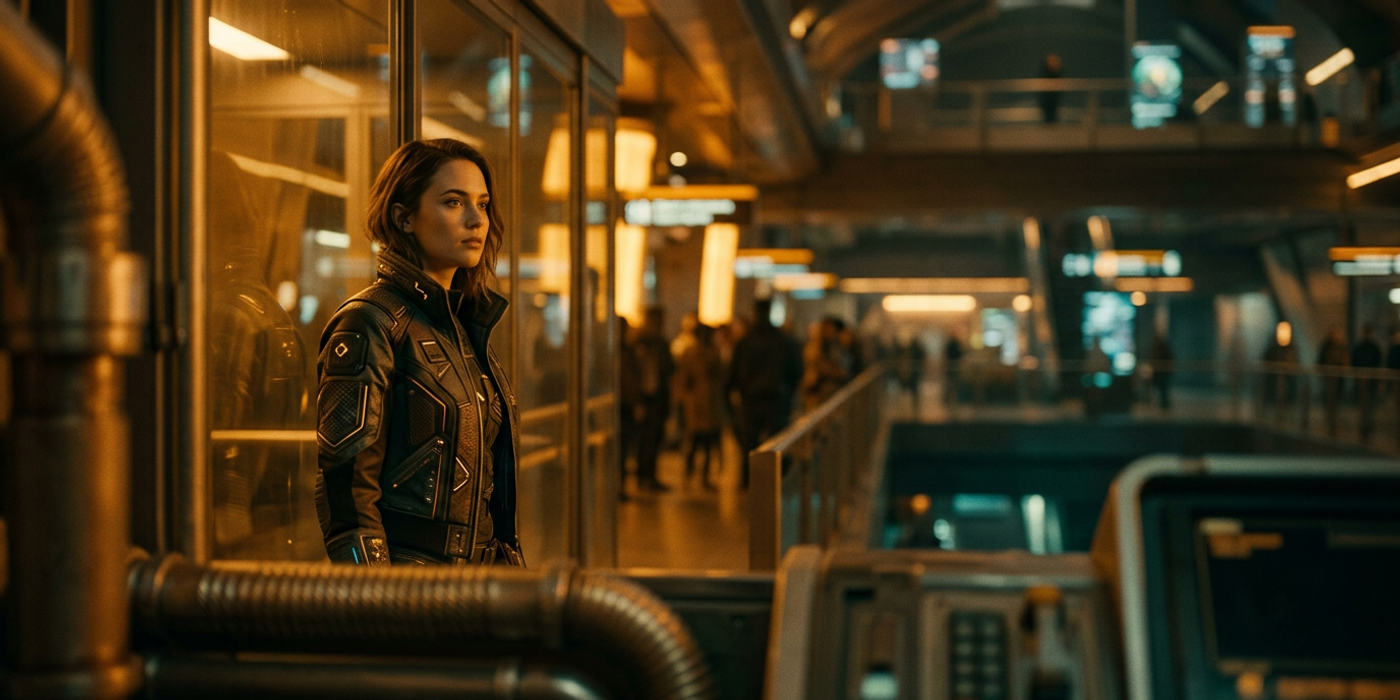
Learn camera motion, framing and pacing techniques that work across every major AI video model in 2026 — from Veo to Kling to FLUX.
Camera motion, framing, and pacing are what separate professional-looking AI videos from obvious AI outputs. While most guides focus on which model to use, the real difference maker is understanding cinematic craft — and applying it consistently regardless of whether you are using Veo 3.1, Kling 3.0, Seedance 2.5, or FLUX 3 Video.
This guide breaks down the three core pillars of cinematic AI video and shows you how to apply them across today's leading models.
Why Cinematic Craft Matters More Than the Model
AI video models in 2026 are remarkably capable. Veo 3.1 delivers smooth motion with physics-aware outputs. Kling 3.0 excels at complex action sequences. FLUX 3 Video generates native audio alongside 20-second clips. But technical capability alone does not make a video feel cinematic — the craft of how you move the camera, frame each shot, and pace the edit does.
Hong Kong creators working with AI video for client work have found that investing in cinematic fundamentals delivers more consistent results than chasing the latest model upgrade. A well-crafted prompt using basic camera movements on an older model often outperforms a lazy prompt on a newer one.
Camera Motion: Six Core Movements Every AI Creator Should Know
AI video models respond to camera motion descriptions in the prompt, and learning the six basic movements gives you tremendous control.
Pan. The camera rotates horizontally from a fixed position. Use it to reveal environments or follow lateral movement. Works well in Veo 3.1 and FLUX 3 Video for establishing shots.
Tilt. Vertical rotation — tilting up to reveal height or tilting down to ground a subject. Kling 3.0 handles tilt movements with particularly smooth acceleration curves.
Dolly. The camera physically moves forward or backward. A slow dolly-in builds tension or intimacy. Seedance 2.5 handles dolly movements with natural depth perception.
Truck. Lateral movement parallel to the subject. Effective for tracking a walking character or vehicle. Most models handle trucking well, but Veo 3.1 excels at maintaining subject focus during lateral movement.
Pedestal. Vertical movement of the camera position — the whole camera rises or lowers rather than tilting. Useful for revealing scale. FLUX 3 Video produces smooth pedestal movements with good vertical consistency.
Zoom. Changing focal length rather than camera position. While technically not camera motion, zoom is often confused with dolly. Seedance 2.5 produces more natural zoom effects that avoid the digital-looking artefacts other models sometimes add.
Combine two movements for more dynamic shots — a slow pan with a gentle pedestal, or a dolly-in with a subtle tilt. Most 2026 models handle compound movements well when you describe them clearly in the prompt.
Framing: Guiding the Viewer's Eye in Every Shot
Framing determines what the viewer focuses on and how they feel about it. Four framing principles apply directly to AI video generation.
Rule of thirds. Placing subjects off-centre creates more dynamic compositions. Many AI models default to centre-framing, so explicitly specifying where the subject should sit in the frame gives better results.
Depth layers. A strong frame has foreground, midground, and background elements. AI models now understand layered composition cues — describing three layers produces structured depth.
Leading lines. Roads, railings, and shadows that guide the eye toward the subject. Models trained on cinematic datasets respond particularly well to leading line descriptions.
Negative space. Empty areas around the subject create mood and emphasis. Kling 3.0 produces especially clean negative space when prompted with minimalist composition instructions.
For Hong Kong creators producing brand content, consistent framing across a series of shots is critical for maintaining brand identity. Include framing instructions in your brand prompt template so every output matches your visual guidelines.
Pacing: Editing Rhythm That Feels Intentional
Pacing controls how the viewer experiences time in your video. Unlike traditional editing where you cut between clips, AI video pacing starts at the prompt level.
Scene duration. Shorter scenes create urgency and energy. Longer scenes build tension. Specify scene timing in your prompt to control the rhythm.
Transition speed. How quickly the camera moves affects perceived pacing. Fast movements signal high energy. Slow movements signal calm or drama. Different models handle speed ranges differently.
Temporal structure. The sequence of shots matters. The classic pattern — start wide, move to medium, then close-up — creates a natural viewing experience that AI models understand reliably.
For product launches and social content, faster pacing with quicker transitions works well. For brand storytelling and client presentations, slower pacing with longer takes signals confidence and quality.
Putting It All Together: A Practical Workflow
Start with the storyboard — even rough shot descriptions help. Then layer in camera motion, framing, and pacing for each shot. Write prompts that combine all three elements and test across at least two models. A prompt structure that works in Veo 3.1 may need different framing instructions in Kling 3.0.
Keep a notebook of which craft-technique combinations perform best per model. This becomes your personal cinematic AI playbook — the reference that makes every video you produce more professional, regardless of which model powers it.
Frequently Asked Questions
Q: Do I need a different approach for each AI video model? A: The underlying craft principles stay the same. What changes is how each model interprets specific movement or framing instructions. Test the same prompt structure across models to learn each one's strengths.
Q: What is the easiest camera movement to start with? A: A slow dolly-in on a centred subject. Most models handle this well, and it immediately adds cinematic feel without complex prompt engineering.
Q: Can you fix framing after generating the video? A: Not directly within the generation itself. You can crop or reframe in post-production, but it is much more efficient to get the framing right in the prompt.
Q: How do I match pacing to content type? A: Social media content benefits from faster pacing with 2 to 4 second scenes. Brand stories work better with medium pacing at 4 to 6 seconds. Cinematic pieces can extend to 8 to 10 seconds per scene.
Q: Which model is best for cinematic quality in 2026? A: Veo 3.1 leads for physics-aware motion and smooth camera movements. Kling 3.0 excels at action sequences and fast-paced work. FLUX 3 Video offers long clips with native audio. Match the model to your specific needs.
Q: Should I use close-ups or wide shots in AI video? A: Both, in sequence. The classic opening pattern — wide to medium to close-up — creates the most natural viewing experience. Specify this progression in your prompt.
Q: Can AI models handle complex multi-shot scenes? A: Yes, but you need to describe each shot separately in the prompt or generate individual clips and edit them together. FLUX 3 Video and Veo 3.1 support longer clips where scene transitions are described in sequence.
Q: How many camera movements should I include per shot? A: One or two at most. A single slow pan is effective. Compound movements like pan with pedestal add dynamism but can confuse some models. Test compound movements before relying on them for client work.